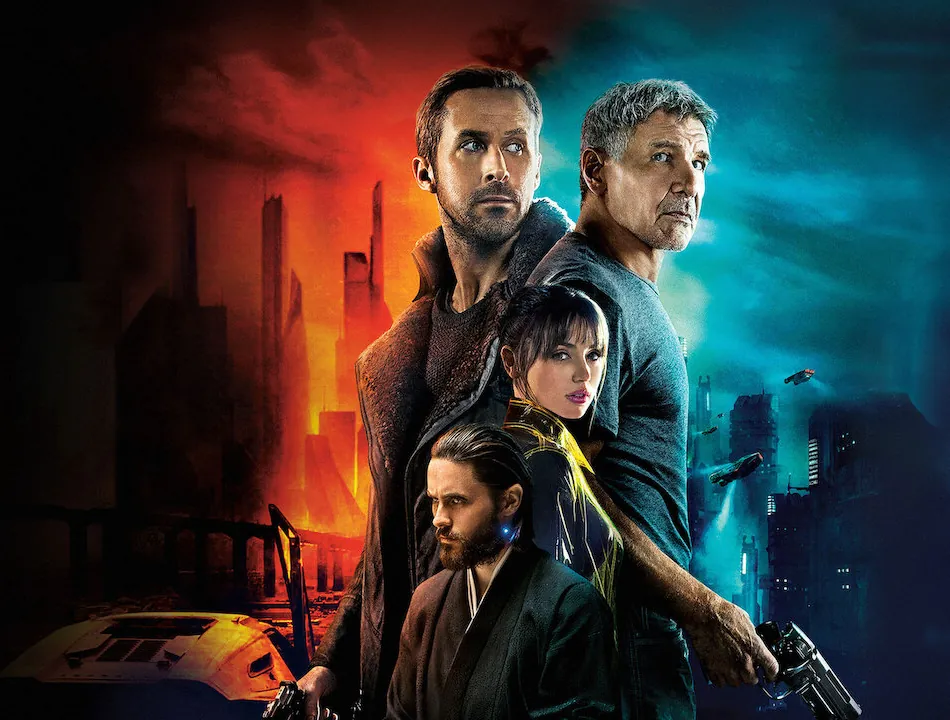
Blade Runner 2049 is a film of two worlds: a cold, rain-soaked Los Angeles and an orange, dust-filled Las Vegas. Cinematographer Roger Deakins built both looks largely with light on set. This guide explains the Blade Runner 2049 color palette, how the look was made, and how to recreate it with free LUTs.
Updated November 2026 · Closest free starting point: VEL_Sunset_Glow.cube (Sunset LUT)

All movie looks · Related: Dune · The Batman
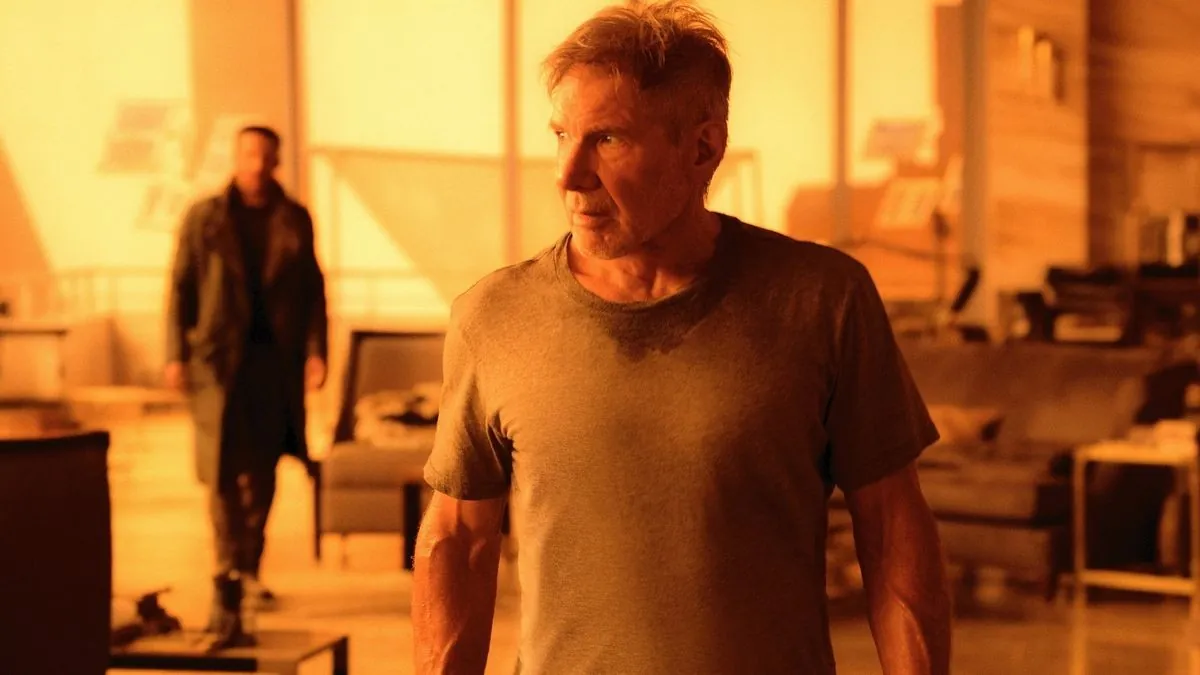
Most films have one look. Blade Runner 2049 changes its whole palette as the story moves. Los Angeles is grey, wet and cold, with teal and steel-blue tones, smog, snow and the occasional burst of pink and violet from giant holographic ads. Las Vegas is the opposite: an abandoned city swallowed by orange dust, where almost every color in the frame turns to amber.
Both looks share one rule. Each scene is dominated by a single color, and everything else is pulled toward it. That restraint makes the frames look like paintings. A generic cyberpunk LUT with every neon color cranked up never gets there.

Approximate palette sampled by eye for reference. These are not official values from the film.
Blade Runner 2049 (2017) was directed by Denis Villeneuve as a sequel to Ridley Scott's Blade Runner (1982). It was shot by Roger Deakins, who won the Academy Award for Best Cinematography for it after more than a dozen previous nominations. Ryan Gosling plays K, with Harrison Ford returning as Rick Deckard alongside Ana de Armas, Sylvia Hoeks, Robin Wright and Jared Leto.
Deakins is famous for getting most of a film's look in camera, on set. The orange of Las Vegas and the cold grey of Los Angeles were largely built with lighting, haze and set design, then refined in color grading. If you're chasing this look, put the color into your lighting first. A LUT can only finish what's already there.
Production designer Dennis Gassner built huge physical sets, and the crew filled them with smoke, rain and dust. Atmosphere scatters light and lowers contrast, so distant buildings fade into the haze and the city seems to go on forever.
Villeneuve went on to make Dune with a different cinematographer, Greig Fraser, but the two films share his love of monumental scale, restrained palettes and a single dominant color per scene.

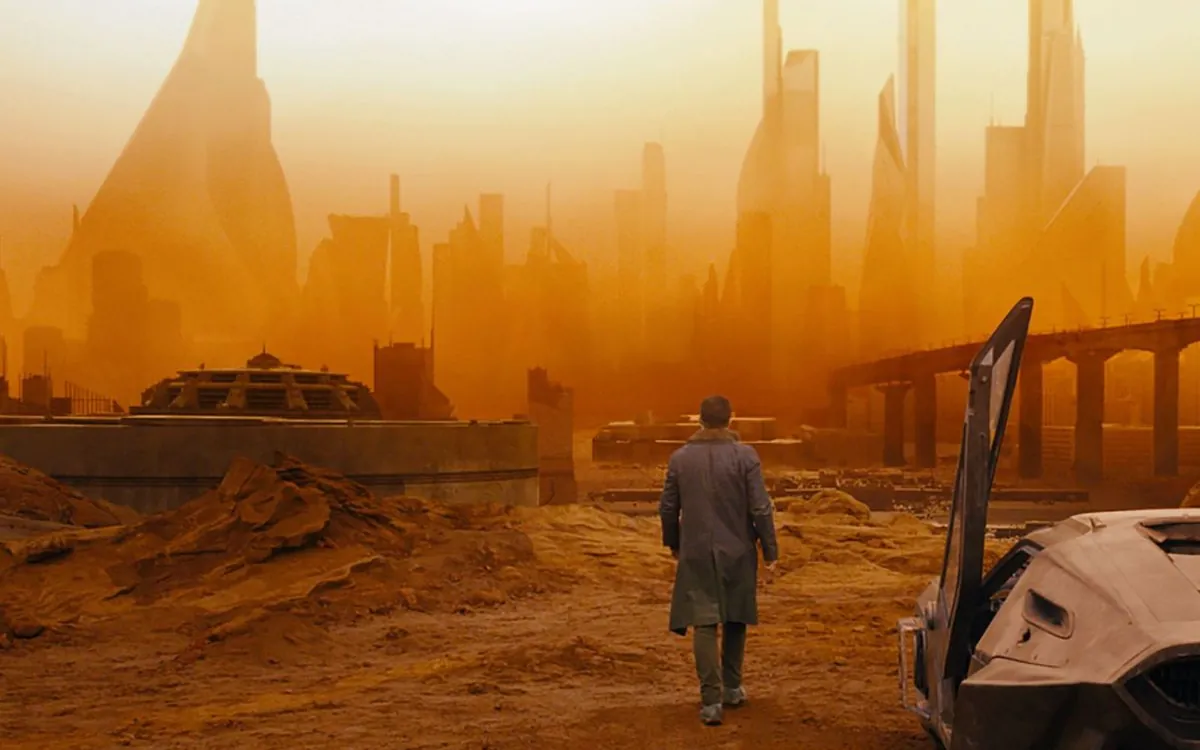
K walks through a ruined Las Vegas filled with orange dust. Nearly everything is amber, from the sky to the giant statues, and even the shadows are a soft brown. This is the shot most people mean when they search for the Blade Runner 2049 orange look.
Cold grey-teal streets, heavy rain, smog and falling snow. Neon and holograms add small bursts of pink, violet and cyan, but the base image stays muted and cool.
Niander Wallace's headquarters glow with warm golden-yellow light, and rippling reflections of water move across the walls. It's the warmest, most hypnotic interior in the film.
The opening farm scene is almost colorless: flat, pale grey skies over grey fields. It sets up the cold world before the city appears.
Nobody sells an official Blade Runner 2049 LUT, and since Roger Deakins built so much of the look on set, no preset could copy it anyway. Pick the recipe that matches the scene you want, Las Vegas orange or Los Angeles cold, and start from the matching free LUT.
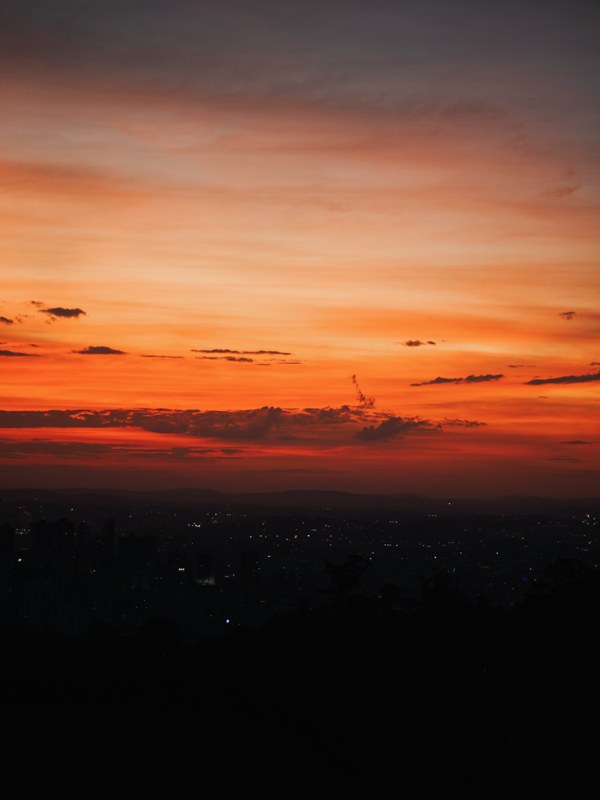
The best base for the orange Las Vegas look, because it already pushes skies and highlights deep into warm amber.
Get the free Sunset LUT →
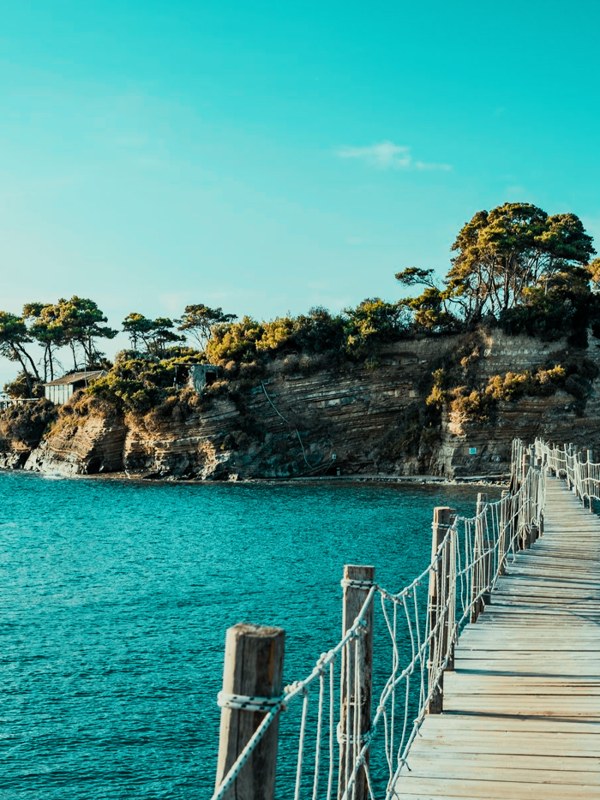
The base for the cold Los Angeles look. Its clean cyan-teal cast gives you the cool streets, which you then desaturate and fill with neon accents.
Get the free Vivid Teal LUT →Start strong. The Las Vegas look is close to monochrome orange, so the warm push has to cover everything, sky and ground alike.
Lower the saturation of blues, greens and purples almost to zero with an HSL adjustment. Anything that isn't orange should fade into soft brown or grey.
Raise the blacks slightly and tint them warm so the darkest parts of the frame look like dust hanging in the air. Lowering contrast a little helps it feel like the air itself is orange.
Lower overall saturation by around 20%. You want cold, grey streets and a muted teal, so if it starts to look like a tropical beach, pull it back further.
Use a qualifier or HSL secondary to keep pinks, magentas and violets saturated while the rest of the frame goes grey-teal. Get a few glowing signs or screens against a muted city and you're most of the way there.
A soft glow around highlights, like a mist filter, and fine grain help imitate the heavy atmosphere. Keep both subtle so the image stays clean.
Haze, fog, steam or a smoke machine is the single biggest ingredient. It turns light into visible beams and makes distance fade, just like the film's cityscapes.
For a Las Vegas shot, put orange gels on your lights or shoot through warm practical light, and keep other colors out. For Los Angeles, use cool daylight or LED with a few neon practicals.
LED strips, neon signs, phone screens and projectors add the small pops of pink and cyan that make the cold city feel alive.
Deakins often frames a small dark figure against a huge glowing background. Expose for the background and let the subject fall into silhouette.
Orange haze in Las Vegas and cold rain in Los Angeles call for more than one look. The City, Orange & Teal and Atmospheric categories in the Master Grade Collection cover both sides of the film, and Dramatic handles the dark interiors.
Roger Deakins, who won the Academy Award for Best Cinematography for the film. It was directed by Denis Villeneuve.
The Las Vegas scenes were built with warm lighting, heavy dust and haze on set, then refined in the grade so almost every color in the frame turns amber.
Not an official one. Use the free Sunset LUT as a base for the orange Las Vegas look and the Vivid Teal LUT for the cold Los Angeles scenes, then follow the steps above.
Deep amber and dusty orange for Las Vegas, steel grey and smoggy teal for Los Angeles, golden yellow for the Wallace Corporation, and pink and violet hologram accents.
Keep the base image muted and cool, then let only a few neon colors stay saturated. Haze in the air and practical neon lights matter more than the grade.
Not really. Classic teal and orange mixes both colors in the same frame. Blade Runner 2049 gives each color its own sequences, with a cold Los Angeles and an orange Las Vegas. For the classic mixed version, see the Teal & Orange LUT.
This guide describes the look of Blade Runner 2049 for educational purposes. VideoEditingLUTs isn't affiliated with or endorsed by Alcon Entertainment, Warner Bros., Sony Pictures or the filmmakers. The free LUTs we recommend here are our own general looks, and none of them were made from the film itself.
Professional .cube files. Free, no credit card. Browse every style: