Free LUTs

Free Faded Film LUT.

A faded film grade lifts the blacks into a soft matte, mutes the color, and adds a gentle warm-green cast — the nostalgic look of aged film stock and old home movies. VEL_Film_Fade is our take, and it is a direct download with no email.

Download VEL_Film_Fade.cube — Free, No Email

Want all 12 looks? Get the full free pack · Prefer a different look? Vintage Film · Pastel · Moody Dark

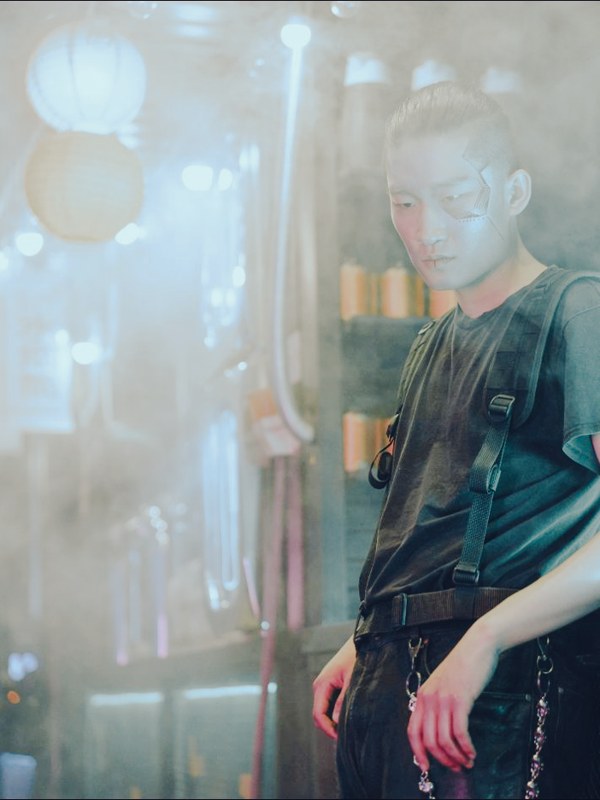
faded film LUT applied to travel footage — before and after color grade
Guide

How to get the faded film look.

  1. Download the .cube file
    VEL_Film_Fade.cube downloads straight from the button with no signup, and it is included in the free 12-LUT pack.
  2. Balance your footage first
    Faded film is forgiving, but still set a rough white balance so the matte reads clean. From neutral, the fade sits evenly instead of favoring one color.
  3. Apply in your editor
    Load it via Lumetri Creative in Premiere Pro, the Color-page LUT list in DaVinci Resolve, a Custom LUT in Final Cut Pro, or Adjust → LUT in CapCut.
  4. Dial it back to taste
    The matte is part of the charm, but if the lifted blacks feel too washed for a shot, take it to 70–85%.

How the look is built

A faded film grade does the opposite of most grades: instead of deepening the blacks, it lifts them to grey, so nothing in the frame is fully black. Saturation drops, contrast softens, and a faint warm-green tint settles over the midtones — the fingerprint of film that has aged.

That lifted-black matte is what sells the nostalgia, and it is the easy part to overdo. VEL_Film_Fade keeps the lift gentle so the image still has shape, and holds skin from going sickly green, which is where cheap vintage presets fall apart. The result feels remembered rather than filtered.

It suits softer, storytelling footage — portraits, lifestyle, documentary, anything meant to feel personal or past-tense. On crisp, high-contrast, modern footage the fade can read as a mistake rather than a choice, so pair it with content that wants to feel gentle and analog.

Quick picks

Where this works best.

Where it shines

Personal and documentary footage, lifestyle and wedding films, retro or nostalgic edits, music videos — anywhere a soft, remembered feel fits.

Where to skip it

Crisp commercial, product, or high-energy modern footage that needs punch; the lifted blacks sap the contrast. Use Cinematic Teal there instead.

Pairs well with

Vintage Film for a stronger period look, or Warm Film for the same softness with cleaner blacks.

FAQ

faded film LUT questions.

How do I get a faded, matte film look?

Lift the blacks so shadows go grey instead of pure black, lower contrast and saturation, and add a subtle warm or muted cast — that’s the matte "faded film" feel. A faded film LUT like VEL_Film_Fade applies it in one click, free and no email. It suits already-soft footage; on very contrasty clips, ease it back so it doesn’t look washed out.

How do I get a faded film look in CapCut or on my phone?

Download the free .cube file, open CapCut, go Adjust → LUT, import it, and lower the intensity. The same file works in Premiere Pro, DaVinci Resolve, and Final Cut Pro.

Where can I download a free faded film LUT?

Right here — VEL_Film_Fade.cube is a direct download with no email or signup, in standard .cube format for Premiere Pro, DaVinci Resolve, Final Cut Pro, CapCut, and any LUT-capable editor.

What is the faded film look?

It is a matte, low-contrast grade that lifts the blacks to grey, mutes the saturation, and adds a subtle warm-green tint, imitating aged film stock. It gives footage a soft, nostalgic, analog feel rather than a crisp digital one.

Is this faded film LUT free for commercial use?

Yes — free for monetized videos, client work, films, and social content, no attribution required.

How do I make the faded film LUT less washed out?

Lower the LUT intensity to around 75 percent, or add a touch of contrast after it to bring the darkest shadows back down. The lifted-black matte is intentional, so a small reduction keeps the vintage feel without losing all the depth.

Free Download

12 free LUTs.
Every look covered.

Professional .cube files. Free, no credit card. Browse every style:

Teal & Orange Vivid Teal Cinematic Golden Hour Sunset Warm Pastel Vintage Film Faded Film Moody Dark Moody Blue Black & White

Download the Free Pack