Golden hour is the light every filmmaker chases — low, warm, directional sun that makes everything glow. VEL_Golden_Cinematic recreates that amber warmth so your footage feels bathed in late-day light. Free, no email.
Download VEL_Golden_Cinematic.cube — Free, No Email
Want all 12 looks? Get the full free pack · Related: Warm · Sunset · Pastel
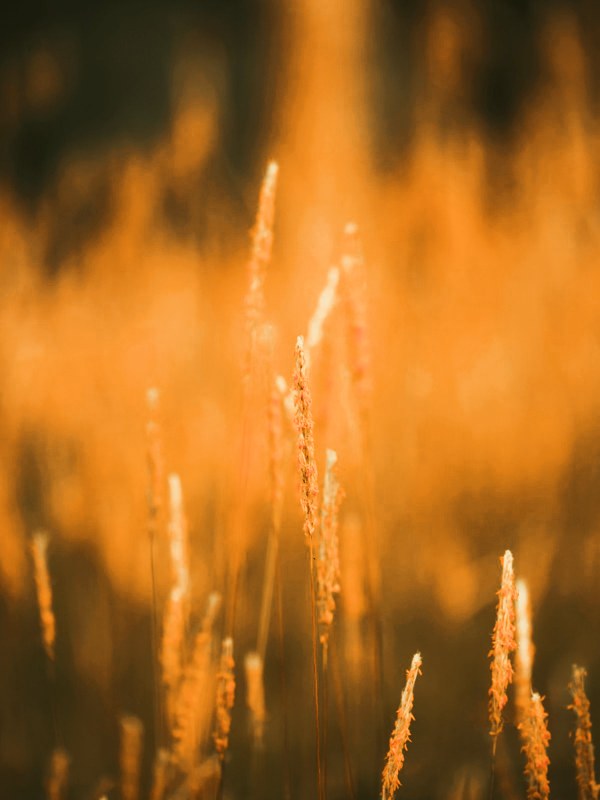
A golden hour LUT works with the light you already have — it cannot turn harsh noon sun into a sunset. It shines when the footage has soft, low, or backlit light to build on, adding the warm amber wash that sells the illusion.
Backlight, a little atmospheric haze, and a warm bounce on your subject all help. Flat, front-lit midday footage has the least to work with, so temper your expectations there.
It lifts amber into the highlights, warms the midtones, and gently raises the shadows so the whole frame feels lit by low sun rather than a lamp. The trick is stopping short of full orange — golden hour glows, it does not tint.
VEL_Golden_Cinematic keeps that glow controlled, so skin looks sun-kissed instead of fake-tanned.
Warm the highlights and midtones and add a soft glow — the fastest way is VEL_Golden_Cinematic, free and no email. It works best on footage that already has soft, low, or backlit light to sell the effect.
A golden hour LUT pushes stronger amber and glowing highlights to mimic low sun, and needs soft directional light to look real. A warm LUT is a subtler, all-day coziness you can run across a whole edit.
Partly. It helps most when there is soft or low light already. On hard midday or flat indoor light it can look artificial, so keep the intensity gentle.
It can add warmth, but overcast light is flat and cool, so the sunlit glow is weaker. Warm your white balance first for a better result.
Yes — free for monetized YouTube, client work, and social, no attribution required.
Professional .cube files. Free, no credit card. Browse every style: