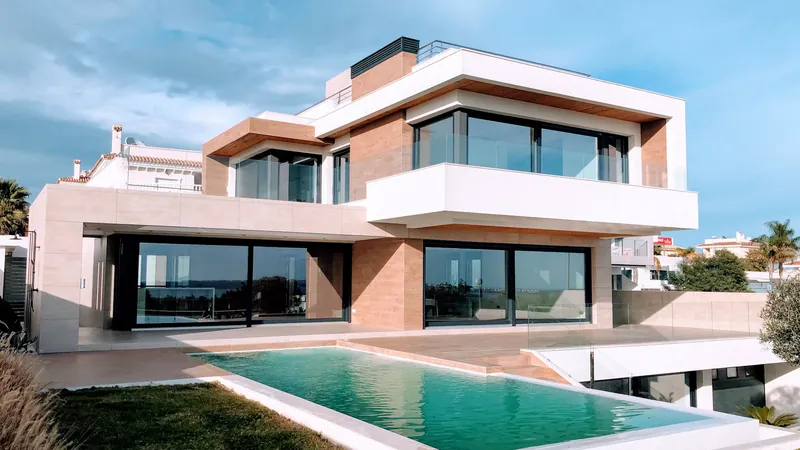
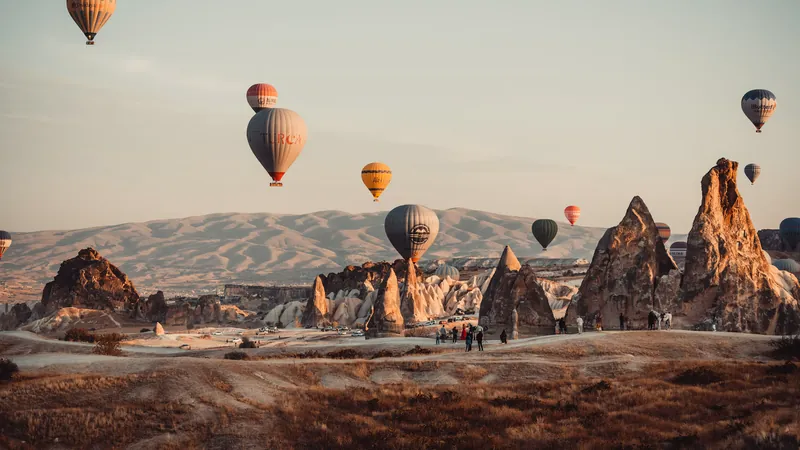
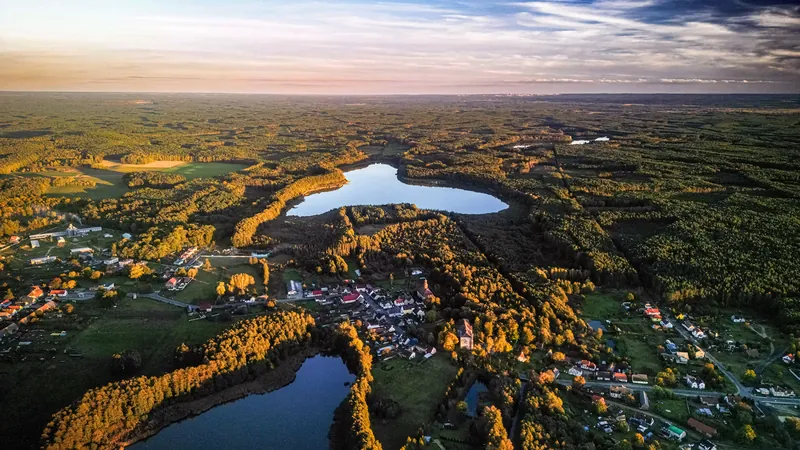
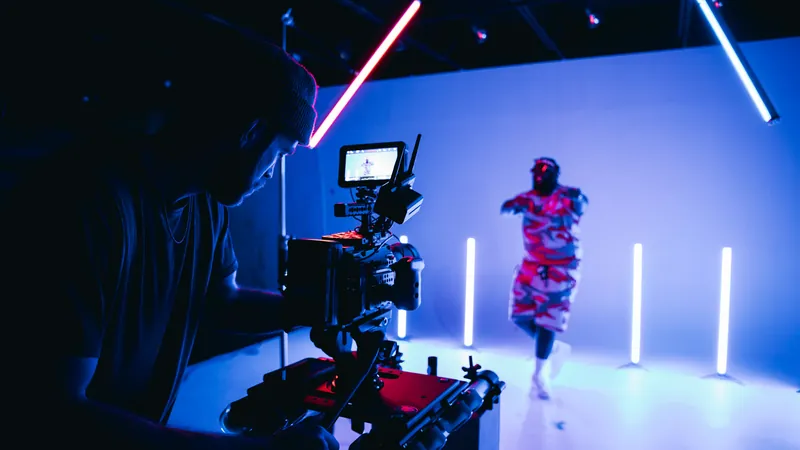
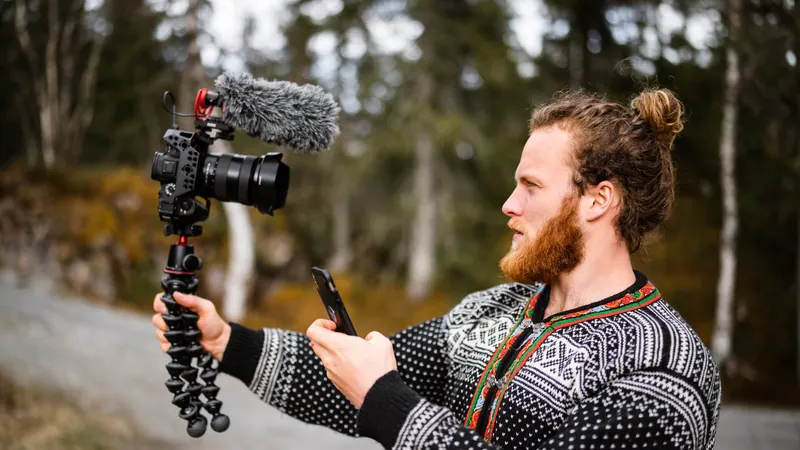
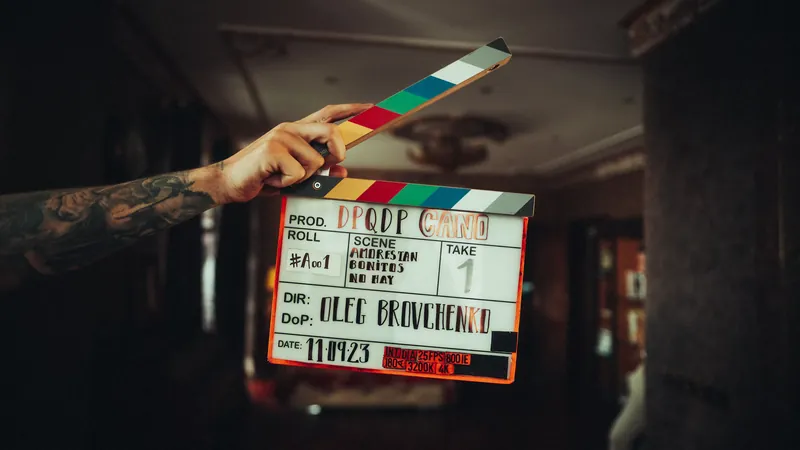
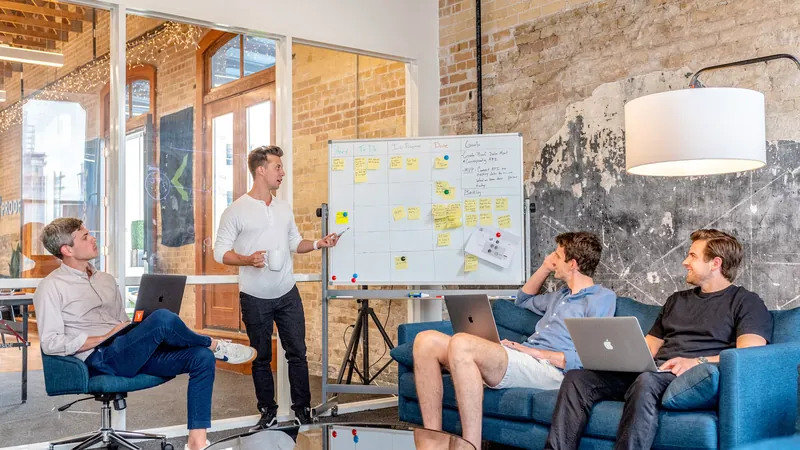
The right LUT depends on what you're filming. A wedding film, a property tour and a moody short film all want different things from a grade, so we've matched our 12 free looks to the projects editors actually work on, with settings and shooting tips for each.
Updated November 2026 · Free .cube LUTs for Premiere Pro, DaVinci Resolve, Final Cut Pro and CapCut
These don't have a full guide yet, but here's where we'd start.
Short-form video is watched on phones, where contrast and saturation look stronger. Faded Film and Vintage Film stay pleasant on small screens, and Vivid Teal pops in a feed. Try Faded Film, Vivid Teal, Vintage Film.
Night walks, city b-roll and moody edits. Moody Dark and Moody Blue keep the atmosphere, and Black and White turns messy street light into clean contrast. Try Moody Dark, Moody Blue, Black & White.
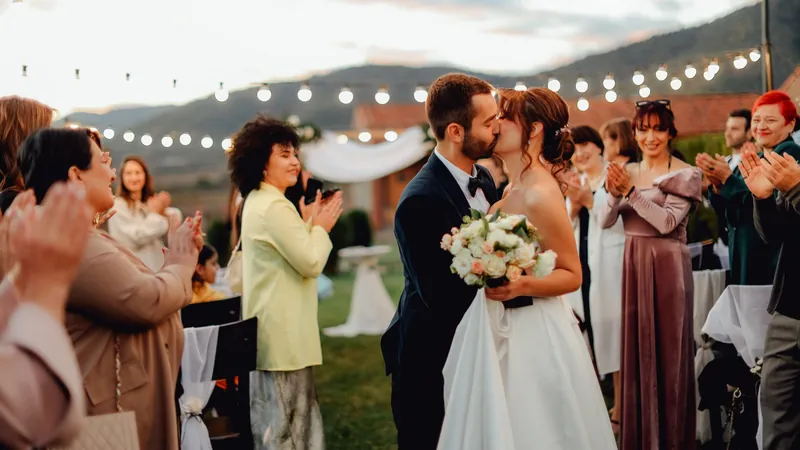
Think about where the video will be watched and who it's for. Client work like weddings and property tours needs accurate skin and neutral whites first, with style second. Personal projects, music videos and short films can push much further.
Then look at your light. Warm looks build on sunny, golden footage, cool looks suit overcast days and modern spaces, and moody grades need footage that was exposed with enough shadow detail to pull down. Pick the LUT that agrees with the light you already have, set it to around 50 to 70%, and adjust from there.
Start with what you're filming. Pick the guide above that's closest to your project, whether that's a wedding, a property tour, a trip, drone footage, a music video, a vlog, a short film or a corporate shoot. If you're unsure, the Cinematic LUT is a safe all-rounder.
You can, but different kinds of video want different things. A wedding film needs flattering skin, a property video needs neutral walls, and a short film might need something darker.
Yes. All 12 free LUTs can be used for personal, commercial and client projects without attribution.
Professional .cube files. Free, no credit card. Browse every style: