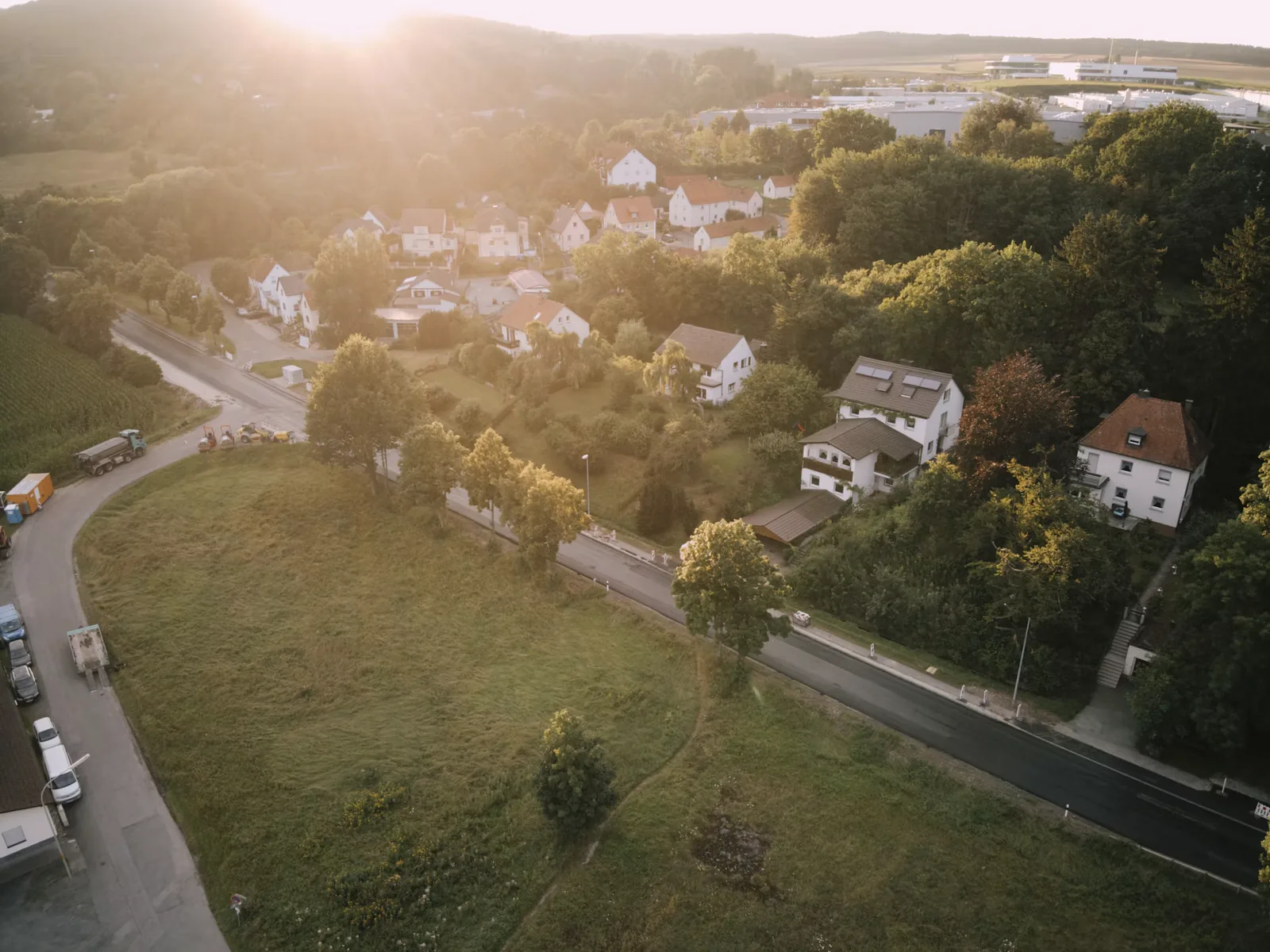
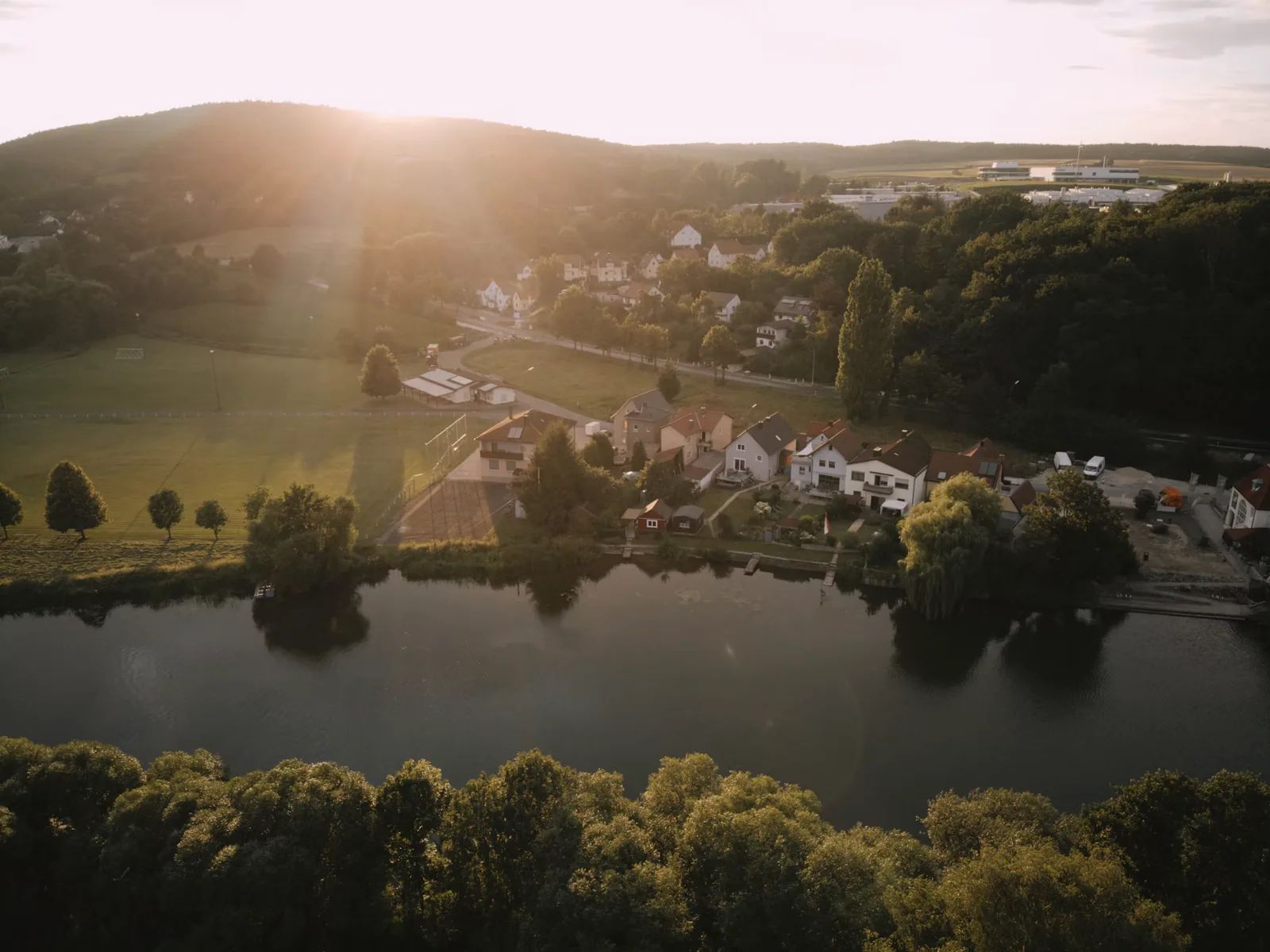
Drone footage has its own problems. It's often hazy, the greens come out neon, the sky bands in 8-bit files and the white balance shifts as the drone turns. These free drone LUTs work well on aerials from DJI Mini, Air and Mavic drones, and the tips below cover what to fix before the look goes on.
Updated November 2026 · 4 free picks, with D-Log M and Normal color settings
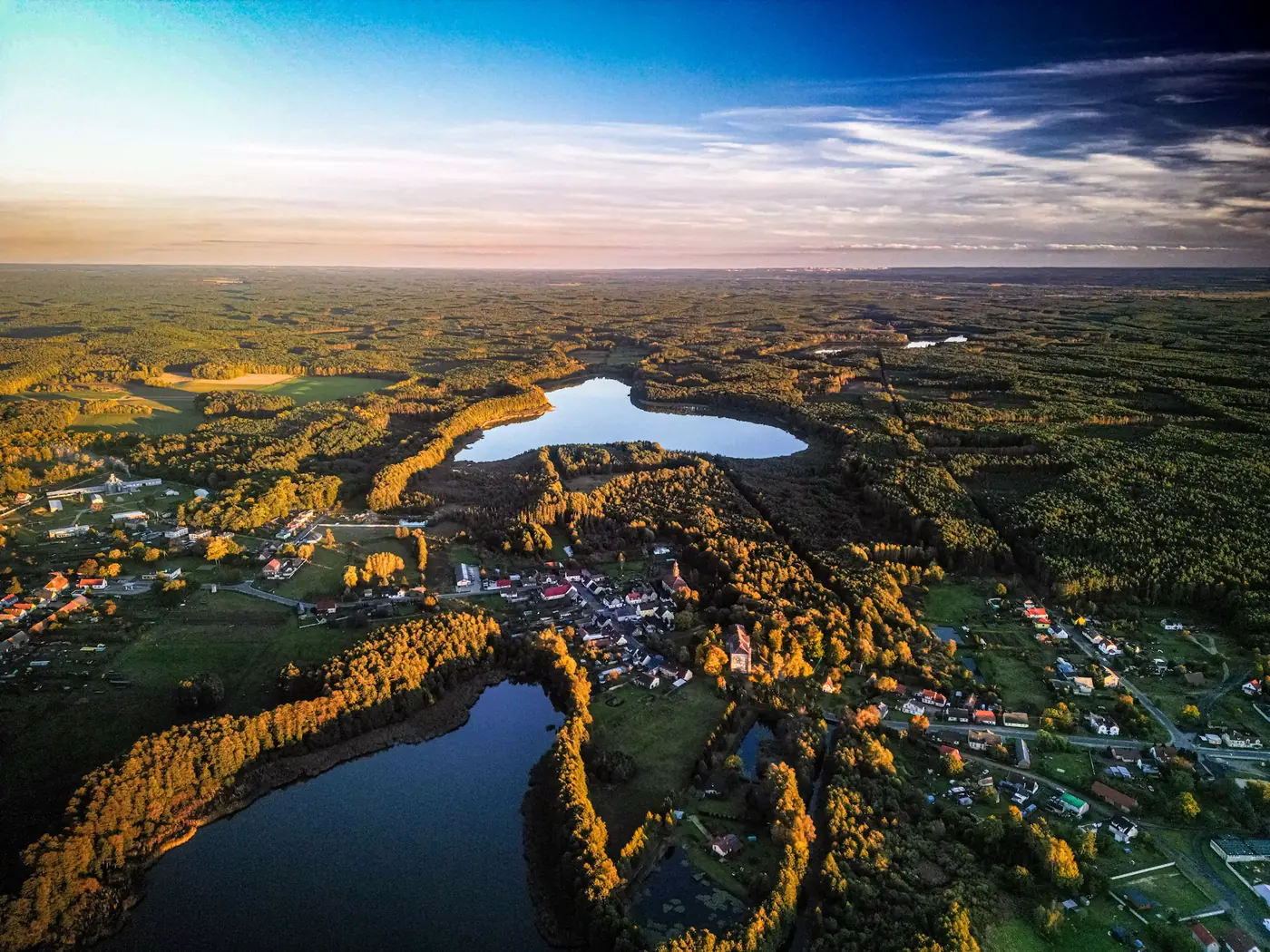
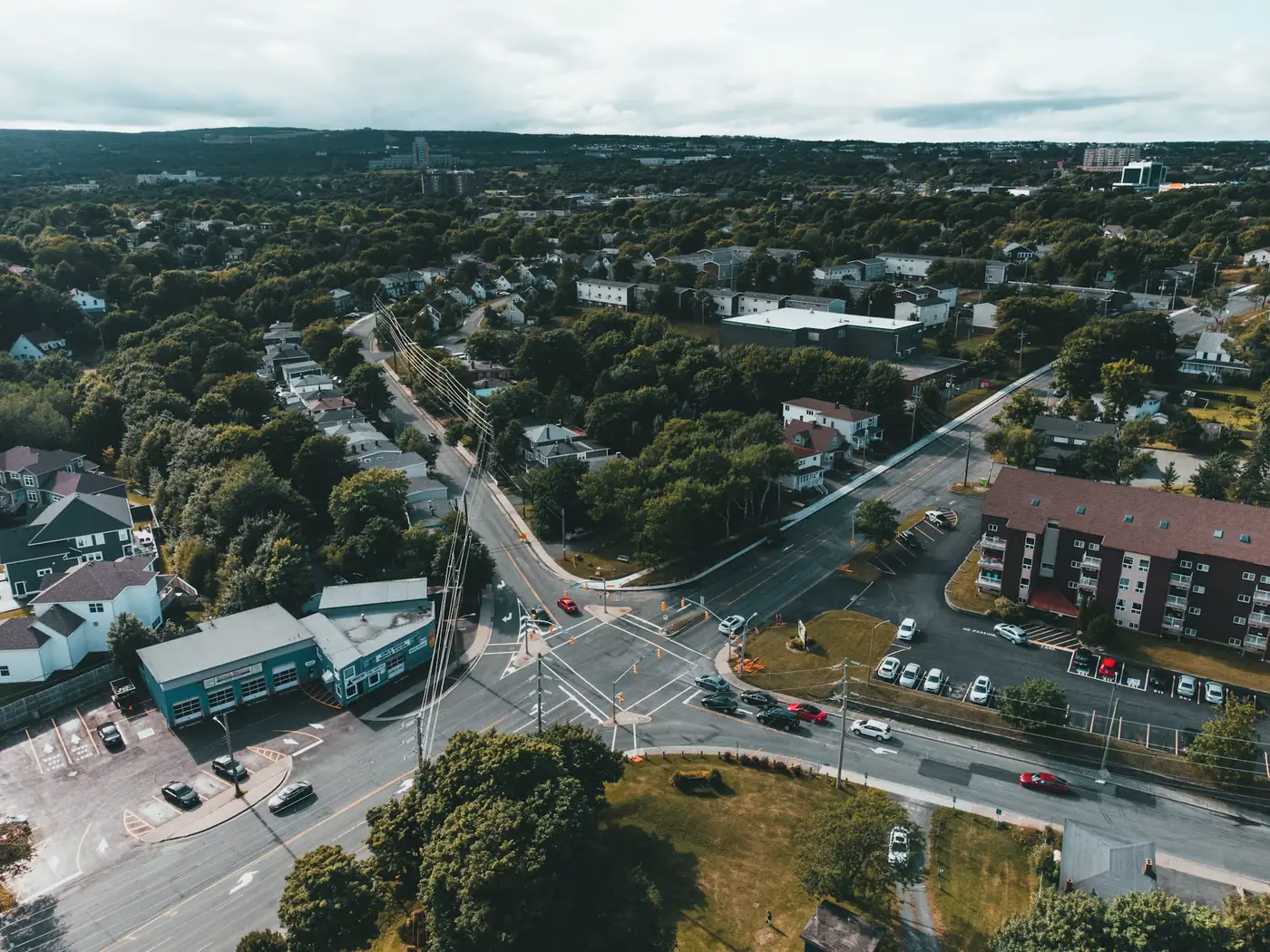
Aerials often look flat and grey straight off the card. The Cinematic LUT adds contrast and depth without pushing color too far, so it works on almost any landscape. Start around 60%.
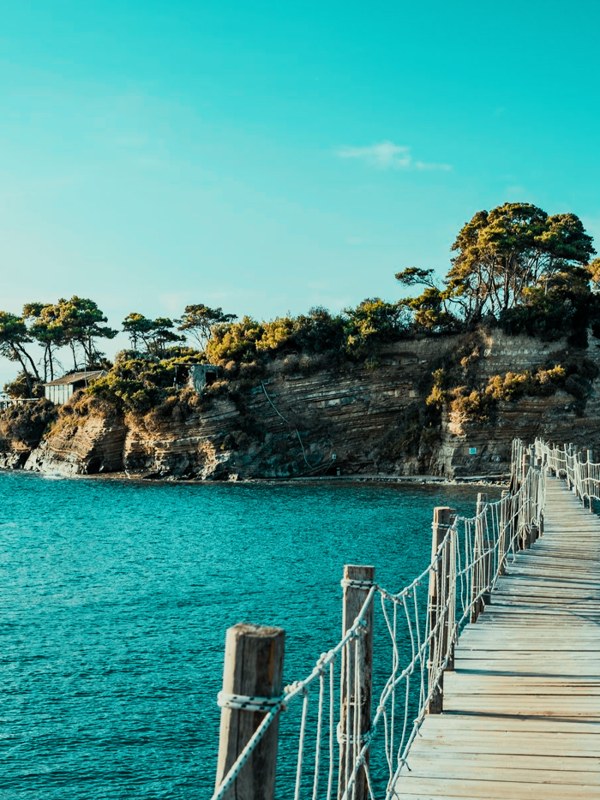
Turquoise bays, cliffs and boats are what drones do best. The Vivid Teal LUT makes water pop and keeps sand clean. Go lighter on shots with a lot of sky, since it can push blue skies toward cyan.
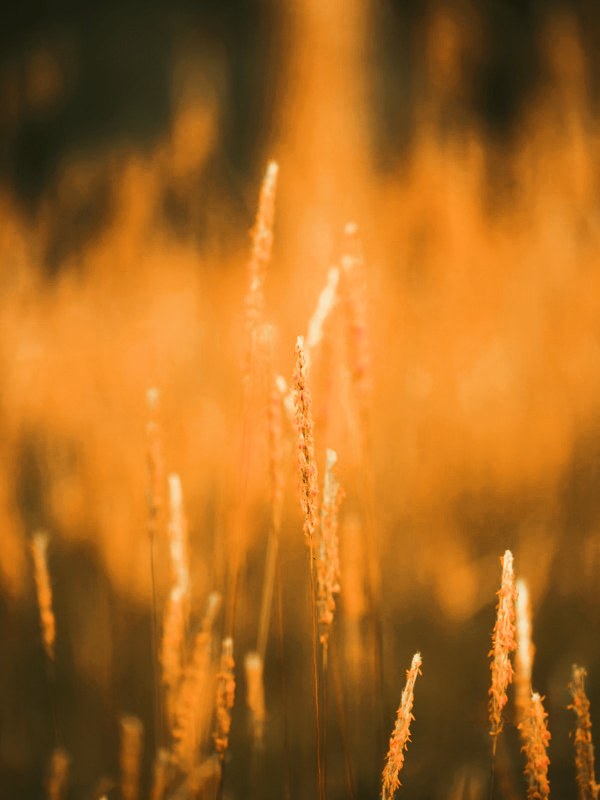
Long shadows across fields and hills only happen early and late. The Golden Hour LUT at 40 to 50% warms the light without turning the whole frame orange.
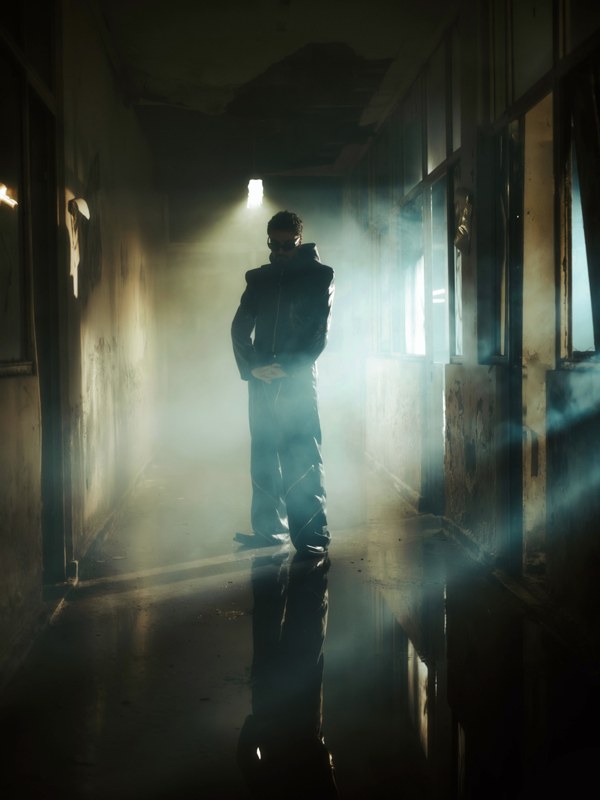
Winter flights, glaciers and rocky peaks suit a colder grade. The Moody Blue LUT keeps snow crisp and gives mountains a quiet, dramatic feel.

Water reflects the sky and can look washed out from above. Add contrast first, then Vivid Teal. A polarizing ND helps cut glare on the surface when you shoot.
Drone sensors make greens very bright. Pull green saturation down and shift greens slightly toward yellow before the LUT, and the land will look natural.
Rooftops, roads and glass mix many colors. Cinematic keeps them under control, and a slightly cooler white balance makes a city look cleaner and more modern.
Snow fools the drone's exposure, so it often comes out grey. Bring the whites up until snow looks white, then add Moody Blue or Cinematic.
Shoot toward the light for silhouettes or with the sun to the side for texture. Golden Hour at low strength is enough, since the light already does most of the work.

Newer DJI drones such as the Mini 4 Pro, Air 3 and Mavic 3 series can record D-Log M in 10-bit. It gives you more room in the grade, but convert it with DJI's official D-Log M to Rec.709 LUT before adding any look. If you'd rather not grade much, Normal color is fine.
Most small drones like the Mini and Air series have a fixed aperture, so in daylight the shutter goes very fast and motion looks choppy. ND filters bring it down to around 1/50 at 25 fps or 1/60 at 30 fps, which looks much smoother.
Auto white balance shifts as the drone turns toward or away from the sun. Set a fixed value, around 5500K in daylight, so every clip from the flight matches.
Midday sun from above flattens everything. An hour after sunrise or before sunset gives you shadows, shape and color the LUT can build on.

Distance adds haze, which makes aerials look washed out. Lower the blacks or use a dehaze tool before the look, so the LUT isn't fighting the haze.
8-bit drone files can show stripes in smooth blue skies once you add contrast. Go easier on sky contrast, use 10-bit when you can, and a touch of grain hides what's left.
Many drones sharpen their footage in camera. If yours does, skip extra sharpening in the edit, or trees and rooftops will start to shimmer.
If you mix drone shots with footage from a main camera, match them before the LUT. Drones tend to look cooler and more saturated. For trips mixing both, the travel video guide covers matching phone and camera clips as well.
Shots from one flight should look like one moment. Correct one clip, copy the settings to the rest, and only fix the clips where the light changed.
For aerial work, the Master Grade Collection includes a Drone category, plus Landscape, HDR, Forest and Winter looks for every kind of terrain. All 500+ LUTs are .cube files, so they work in DaVinci Resolve, Premiere Pro, Final Cut Pro and CapCut on D-Log M footage after conversion.
For most aerials, start with the free Cinematic LUT at around 60%. Use Vivid Teal for coastlines and water, and Golden Hour for sunrise and sunset flights.
Convert it first. Apply DJI's official D-Log M to Rec.709 LUT, then add one of these looks on top. Putting a creative LUT straight on log footage gives you strange contrast and color.
Yes. They work on footage from any DJI drone, recorded in Normal color or in D-Log M after conversion.
Usually it's haze and a flat profile. Add contrast and lower the blacks before the LUT, and shoot in better light, ideally early or late in the day.
Drone sensors and in-camera processing tend to push greens. Lower green saturation and shift the hue slightly toward yellow before adding a look.
D-Log M if you're happy to convert and grade, since it holds more detail in the sky and shadows. Normal if you want quick results with less editing.
Professional .cube files. Free, no credit card. Browse every style: