Best LUTs for vlogs.

A vlog comes down to two things: your face looking like you, and every episode feeling like the same channel. A good LUT handles both and saves you time on every upload. Here are the free vlog LUTs that suit YouTube videos best, and how to use them without spending hours on color.

Updated November 2026 · 4 free picks for phone and camera vlogs

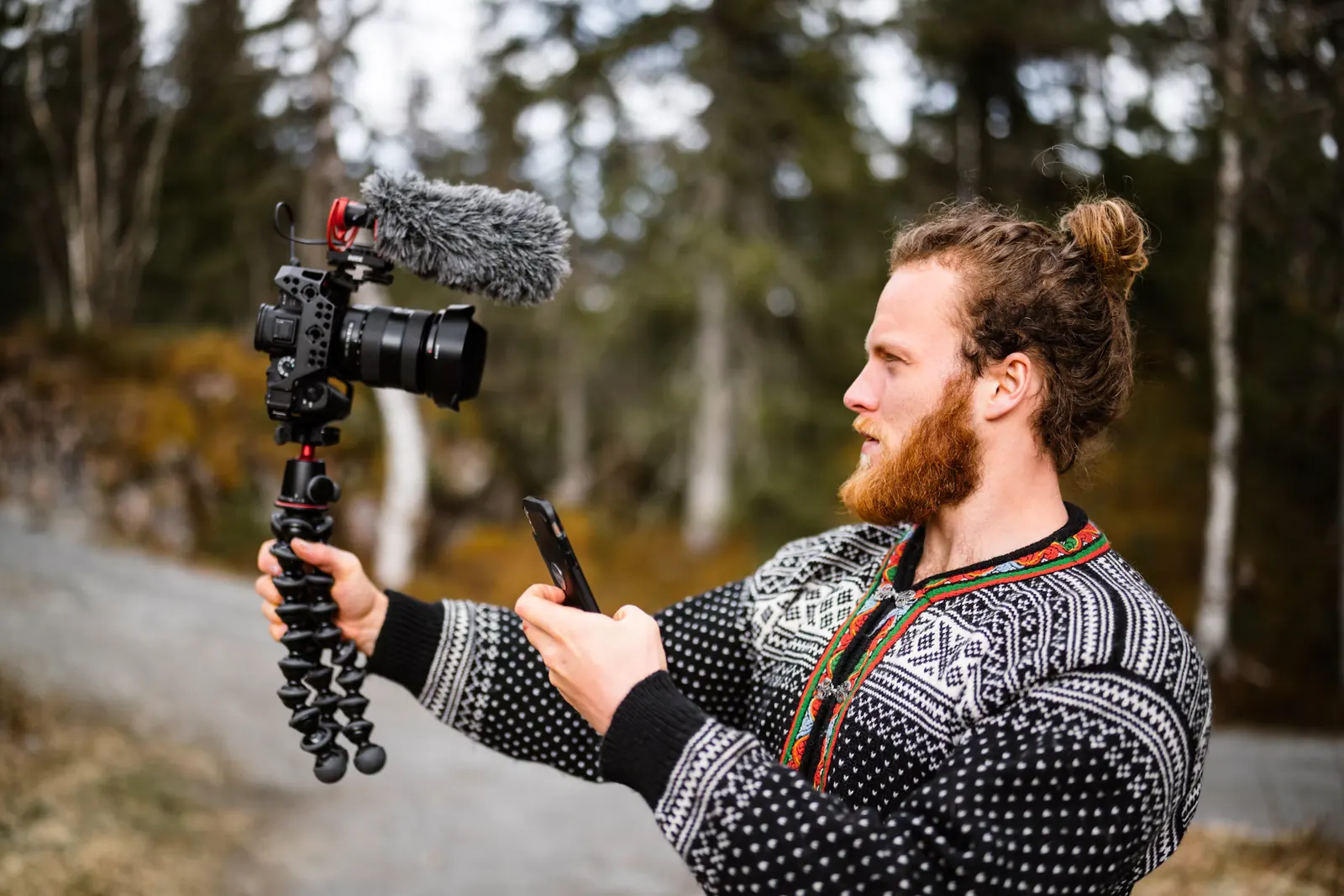
Bearded vlogger in a Nordic knit sweater filming himself on a forest path with a mirrorless camera, furry shotgun mic and flexible tripod
Vlogging on a forest path under a cloudy sky. Soft cloud light is kind to skin, and Warm at about 50% brings back some of the color the grey day took out.

Download all 12 free LUTs

All use cases · Movie looks · All LUT styles

The picks

The four free LUTs that suit vlogs.

Warm as your everyday look

A slight warmth flatters faces and makes rooms feel friendly. The Warm LUT at 40 to 60% works on talking-to-camera shots, kitchens and walks outside, which makes it an easy channel look.

Pastel for lifestyle and aesthetic vlogs

Morning routines, room tours and calm lifestyle channels often use soft, bright color. The Pastel LUT does that well, as long as your footage is exposed bright to begin with.

Faded Film for day-in-the-life videos

Lifted blacks and gentle color give a vlog that easygoing, film camera feel. The Faded Film LUT hides small exposure differences, which is useful when you're shooting all day on the move.

Cinematic for travel and storytelling

When a vlog is more of a mini film, with b-roll and music, the Cinematic LUT gives it more depth. Keep it lighter on talking shots so your face doesn't get too contrasty.

Moment by moment

Which look for which part of the vlog.

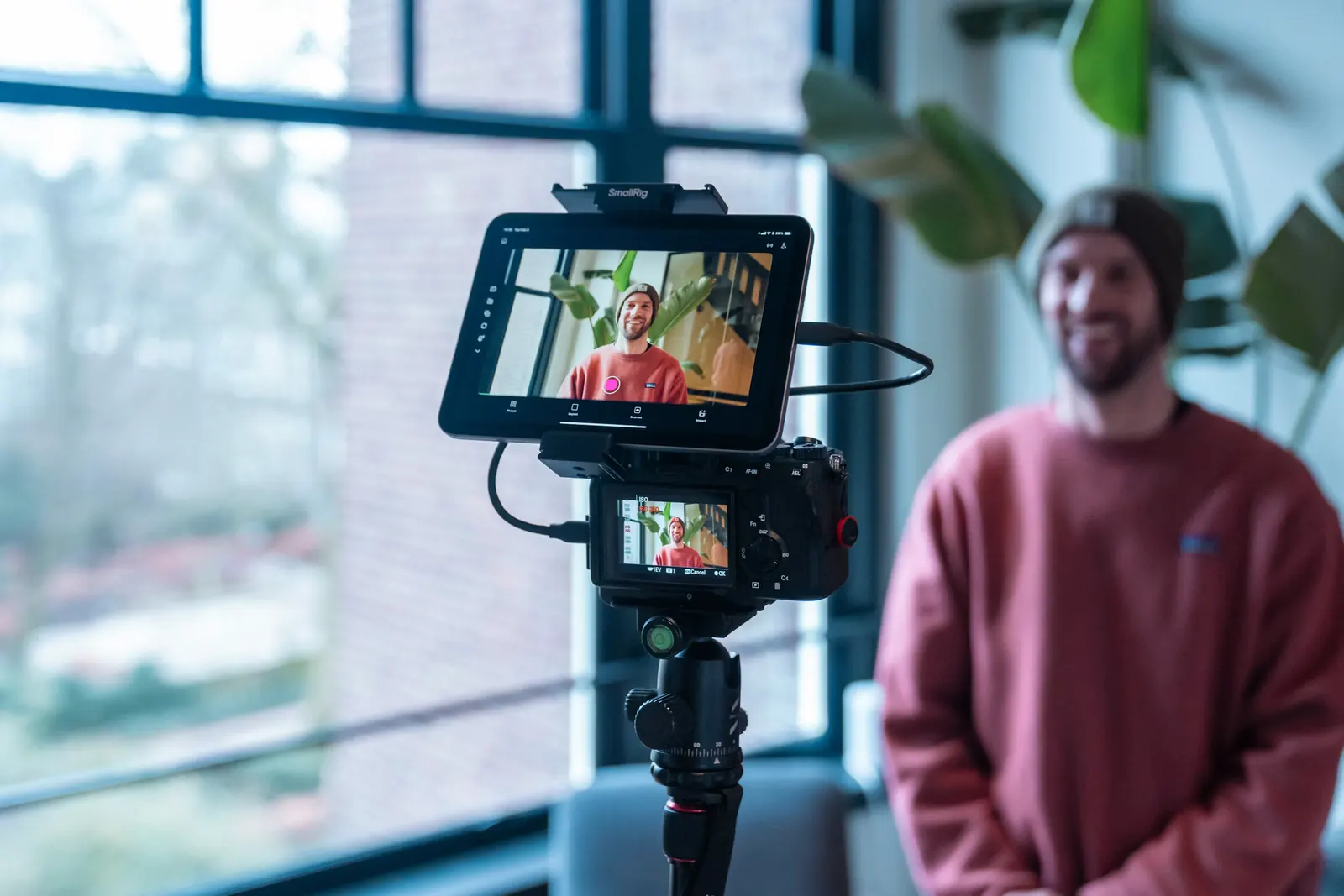
Mirrorless camera on a tripod with a tablet monitor framing a smiling man in a red sweater next to a large window
A talking head set up next to a big window. Side light keeps his face soft and even, so the LUT only has to be gentle.

Talking to camera

This is most of the video, so get it right first. Expose for your face, sit facing a window if you can, and keep the LUT gentle so your skin looks the same in every episode.

Out and about

Outdoor shots are brighter and cooler than indoor ones. Warm them slightly to match your talking shots before the LUT, so the cuts between home and street don't jump. Vlogging a trip? The travel video guide covers mixed locations in more depth.

Cafes, food and cooking

Food looks best warm and bright. If your main look is cool or faded, drop the strength on food shots a little so meals don't look dull.

Evenings at home

Lamps make everything orange, and phones push the warmth even further. Cool the white balance down first, then add your usual look at a lower strength.

B-roll and transitions

Short b-roll shots can carry a slightly stronger look than your talking shots. It adds mood without changing how you look on camera.

Before you shoot

Before you start filming.

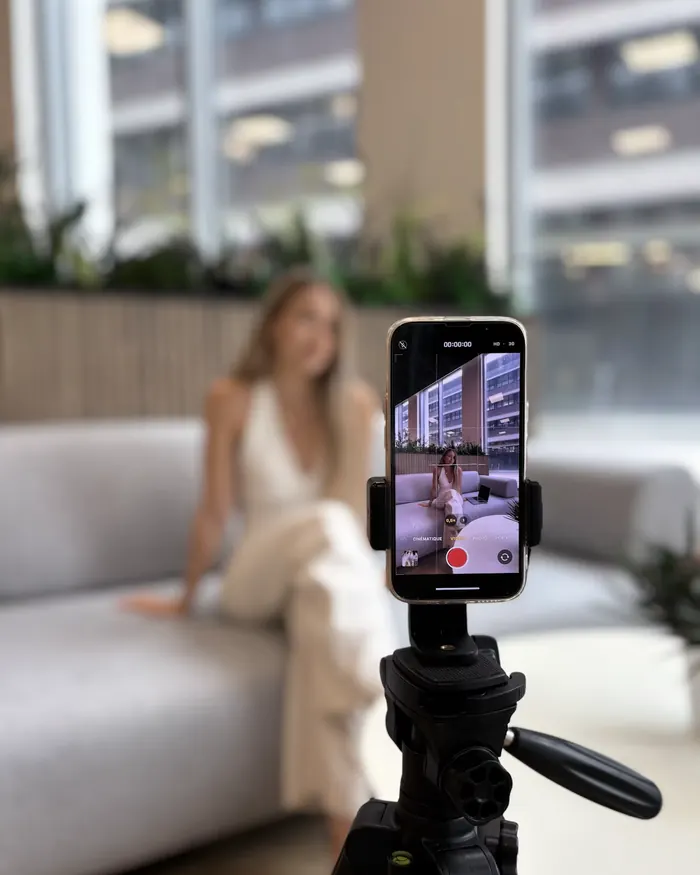
Smartphone on a tripod filming a woman on a sofa in front of bright office windows
A phone on a tripod facing a bright window. Lock exposure on her face, or the phone will expose for the city outside and leave her too dark.

Lock white balance on your phone

The default camera app changes white balance as you move between rooms. Apps like Blackmagic Camera let you lock it, which makes your clips match and the LUT behave the same on all of them.

Face the light

A window in front of you gives soft, even light on your face. A window behind you turns you into a silhouette and makes the grade much harder.

Turn off beauty filters

Phone beauty modes smooth skin and shift color in ways a LUT will make worse. Switch them off and keep the image as natural as possible.

Convert Apple Log first

If you film in Apple Log on an iPhone 15 Pro or newer, apply Apple's official Log to Rec.709 LUT before any creative look. Otherwise, the standard camera mode is fine for vlogs.

Grading tips

Grading vlogs fast without them looking cheap.

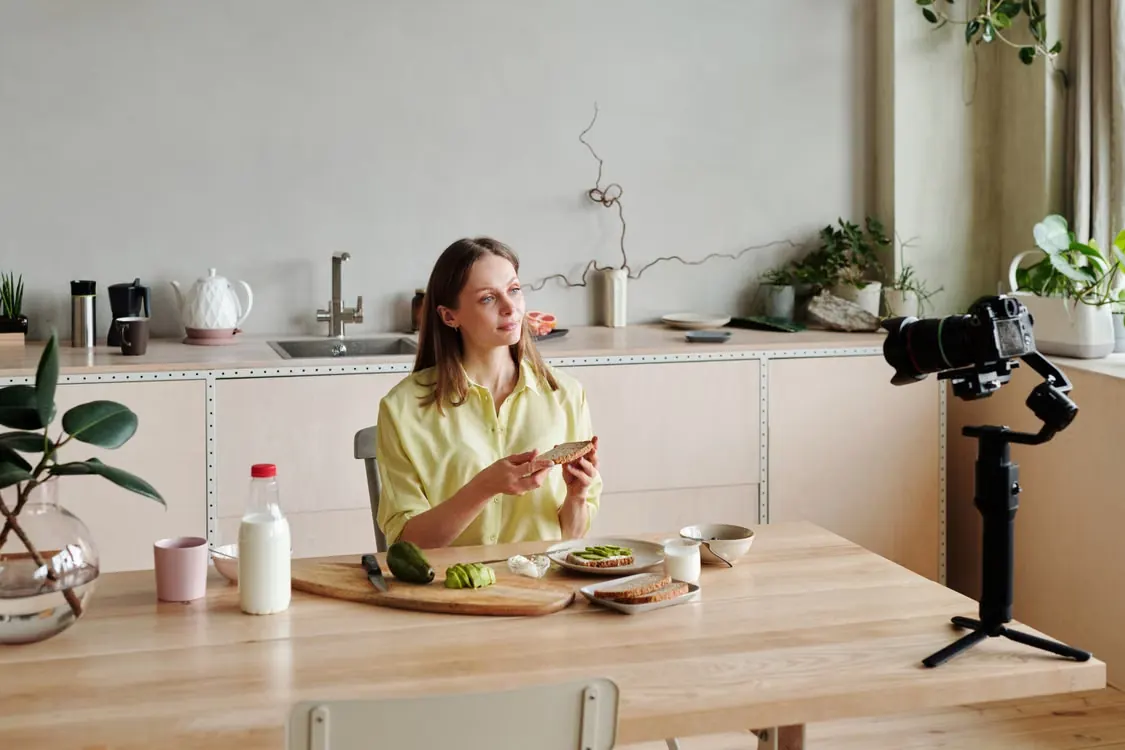
Woman eating avocado toast at a kitchen table while a camera on a gimbal records her cooking vlog
A breakfast shoot with daylight from the side. Save the grade for this setup as a preset and every cooking episode will match.

Put the LUT on an adjustment layer

Add the look once on an adjustment layer over the whole timeline. Fix exposure clip by clip underneath, and you'll grade a 20-minute vlog in minutes.

Save your settings as a preset

Once you like the look, save the LUT plus your strength and tweaks as a preset. Using the same one every week is what makes a channel look consistent.

Skin comes first

Viewers forgive a slightly off sky. They notice straight away when you look orange, grey or green. Check your skin on every talking shot.

Match your thumbnails

If your video is warm and your thumbnail is cold and saturated, the click feels off. Grade the thumbnail frame with the same look.

Don't change looks every episode

Trying a new LUT every week makes a channel feel random. Pick one or two looks and stick with them, so returning viewers recognize your videos.

✦ Master Grade LUT Collection

Uploading every week?

Once a channel grows, one free look starts to feel thin. The Master Grade Collection has a Vlog category, Warm and Skin Tone looks that keep faces natural, plus Instagram and Food grades for short-form clips and cooking content. One download covers years of uploads.

VlogWarmSkin ToneInstagramFood
Get the Master Grade Collection
Master Grade LUT Collection box: 500+ cinematic LUTs in 30 categories
FAQ

Vlog LUT questions.

What is the best LUT for vlogs?

The free Warm LUT at 40 to 60% is the easiest everyday look. Pastel and Faded Film suit lifestyle and day-in-the-life channels.

Do these LUTs work on iPhone and Android footage?

Yes. They work on phone footage in CapCut, Premiere Pro, DaVinci Resolve, Final Cut Pro and most mobile editors that accept .cube files.

How do I make every vlog look the same?

Use one LUT on an adjustment layer, save your settings as a preset, and lock white balance when you shoot. Consistency comes as much from filming as from editing.

Can I use a LUT on Apple Log footage?

Yes, after converting it. Apply Apple's Log to Rec.709 LUT first, then add your look at a lower strength.

Why does my skin look orange after the LUT?

Your footage was probably already warm, often from lamps or a phone's auto white balance. Cool the clip down before the LUT or lower the LUT strength.

Can I use these LUTs on sponsored vlogs and brand deals?

Yes. Monetized uploads, brand deals and sponsored segments are all fine to grade with them. There's nothing to pay and no credit needed in your description.
Free Download

12 free LUTs.
Every look covered.

Professional .cube files. Free, no credit card. Browse every style:

Teal & Orange Vivid Teal Cinematic Golden Hour Sunset Warm Pastel Vintage Film Faded Film Moody Dark Moody Blue Black & White

Browse all 12 stylesDownload the free pack