Travel footage is the hardest to keep consistent. One trip can mean a bright beach, a dim train station, a market at noon and a city at night, often shot on two different cameras and a phone. These four free travel LUTs hold that kind of mix together, and the notes below cover where each one works best.
Updated November 2026 · 4 free picks, with settings for every kind of location


Blue water, blue sky and tanned skin are a perfect match for the Teal & Orange LUT. It pulls people away from the background, which is handy in busy street scenes. Around 50% is plenty on footage that already has strong color.
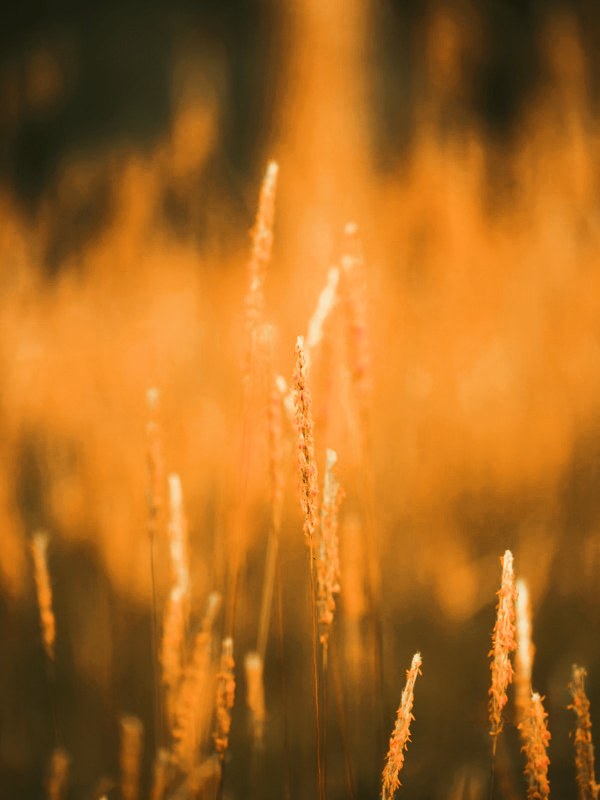
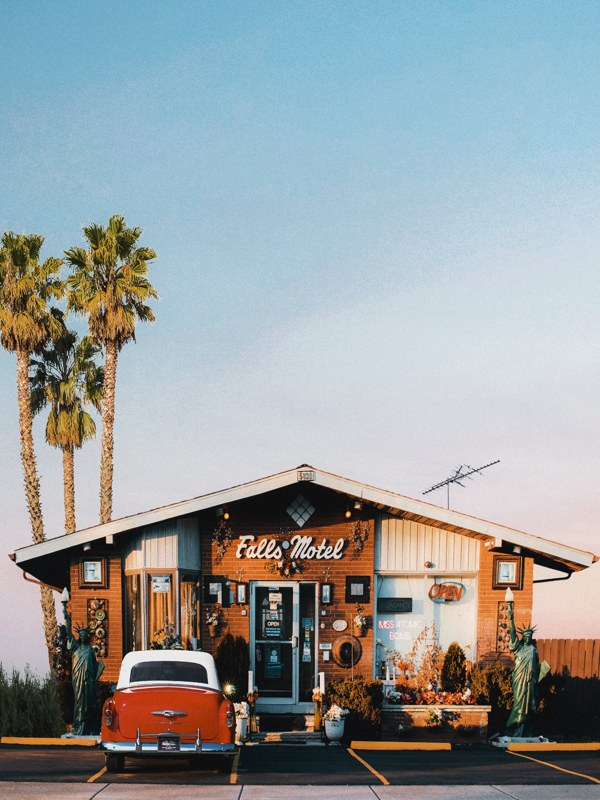
The best travel shots usually happen at 6 am or an hour before sunset. The Golden Hour LUT at 40 to 60% leans into that light, and it rescues evening clips that came out cooler than they felt at the time.
If your trip video is more of a memory than an advert, the Faded Film LUT gives it the look of an old photo album. It works best with slow shots, handheld moments and a calm soundtrack.
Trips with rainy days, museums and night buses need a look that works everywhere. The Cinematic LUT is the safe choice for a video that jumps between very different places.

Water picks up the color of the sky, so it can turn cyan very quickly. Keep Teal & Orange around 50% and check that the sea still looks like the real one you swam in.
Stone, signs and crowds give you plenty of color already. Cinematic or Teal & Orange adds depth, and a slight vignette helps the eye find the person you're following.
Greens get loud fast under a LUT. Pull green saturation down a little before the look so trees stay natural, and let the sky carry the color. Filming from the air as well? The drone footage guide covers aerial prep.
People notice bad color on food before anything else. Go easy on cool looks here, since blue tints make food look cold. Warm or Golden Hour at a low strength keeps it appetizing.
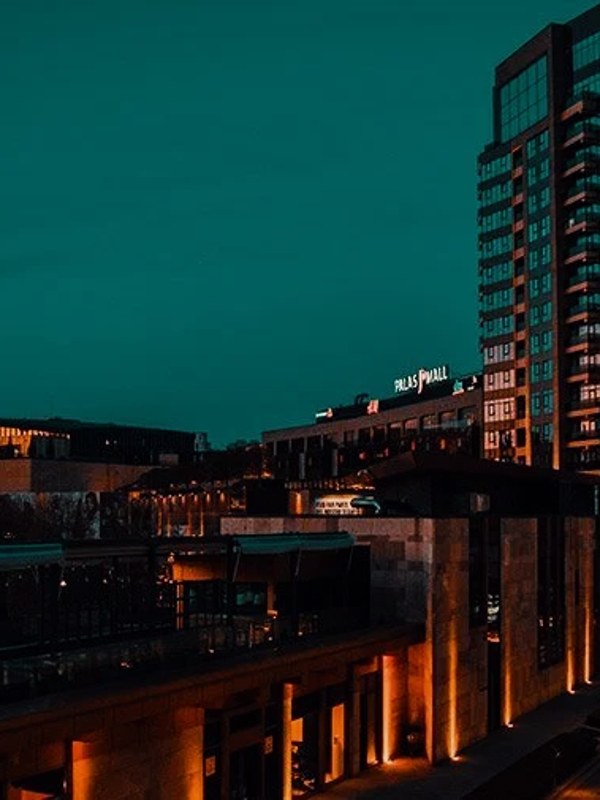
Neon, sodium lamps and train lights all mix together at night. Fix the white balance on a neutral sign or wall, then add Cinematic gently and keep noise under control.

Bright skies are the first thing to clip on a sunny day, and a blown-out sky can't be graded back. Expose for the highlights and lift the shadows later. Near water, a polarizer cuts the glare too.
On bright days the only way to keep a natural motion blur is an ND filter. Aim for a shutter around double your frame rate, so 1/50 at 25 fps, and the footage will feel smoother before any LUT goes on.
Phones change white balance as you pan, so one clip can drift from warm to cool. Apps like Blackmagic Camera let you lock it, which makes phone clips much easier to match to your main camera.
Grab a wide and a close shot of the same place in the same light. Having matching pairs makes the edit flow and gives the grade an easy reference.

Group clips by day or place, correct each group to look neutral, then add one look over the whole film. Grading clip by clip in timeline order makes it far harder to stay consistent.
Phone clips are usually sharper, more saturated and higher in contrast. Bring them down to match your main camera before the LUT, or they'll jump out every time they appear.
Midday light makes skin shiny and orange under warm looks. Check the faces on every beach shot and drop the LUT strength on those clips if skin starts to look sunburnt.
It's tempting to push every evening clip toward orange. A trip feels more real when a grey morning still looks grey, and it makes the golden moments stand out.
Most travel videos get a Reels or TikTok version. Check the grade on a phone, where saturation looks stronger and skies can look neon.
Travel throws every kind of place at you. The Master Grade Collection has separate Landscape, Sunset, Desert, Forest, Winter and City categories, so a snowy mountain and a hot market each get a look that suits them, and the Color Grading Fundamentals handbook helps you match the clips first.
For most trips, the free Teal & Orange LUT works well on beaches and cities, and Cinematic is the safest all-rounder. Use Golden Hour for sunrise and sunset clips.
Yes, but match them first. Phone clips usually need a bit less contrast and saturation before the LUT goes on, or they'll look stronger than the camera footage.
Lower the LUT strength or reduce cyan and blue saturation slightly after the look. Comparing it to a photo you took on the day helps you judge what's real.
Yes. All 12 are .cube files, which work in CapCut on desktop and in most mobile editors that support custom LUTs, as well as Premiere Pro, DaVinci Resolve and Final Cut Pro.
Start with the Cinematic LUT at 50 to 70%, shoot at 24 or 25 fps with an ND filter, and keep the camera moves slow. The look comes as much from the shooting as from the grade.
It depends on the place. Warm suits deserts, beaches and summer cities, and cooler looks suit mountains, northern cities and winter trips. Let the place decide.
Professional .cube files. Free, no credit card. Browse every style: